Reward
Daily Draw
Spot Daily Draw
Mobile Top-Up
Top up mobiles easily, online, secure
BitMart Mall
Live on crypto
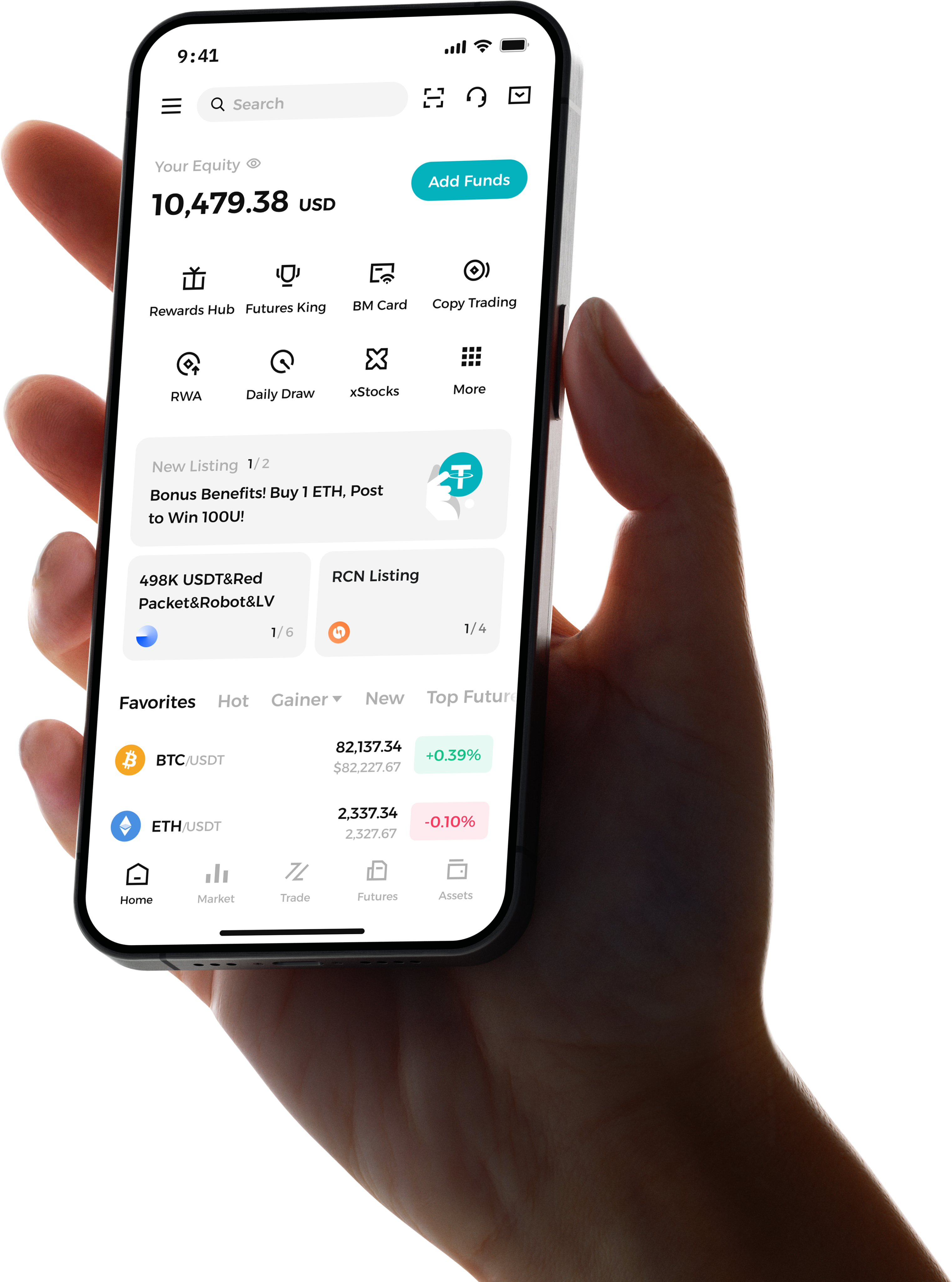
Trade Anytime, Anywhere
Download the app now!
Get new user welcome bonus.
View iOS Guide or Android Guide
Question & Answer
How to Download the BitMart App?
- Go to BitMart’s official “App Download” page and choose the Android or iOS option.
- If Android users cannot find BitMart on Google Play, download the APK file from BitMart’s site – it is the same version as in Google Play.
- For iOS users, if you can’t find the app in your local App Store, contact support or click here to check details.
- If there are installation issues such as permission limitations or regional restrictions, contact BitMart’s customer support.
How to Register an Account?
- Open BitMart website or app, click “Sign Up” / “Get Started”.
- Enter a valid email address or phone number, set up a strong password (often has rules about length, mix of characters, etc.).
- Agree to user agreement and privacy policy.
- Receive a verification code via email or SMS, enter it to verify.
- After registration, it’s recommended to enable security features such as two-factor authentication (2FA).
How to Deposit?
- Log in to your BitMart account, go to Assets / Wallet / Deposit.
- Choose the coin you want to deposit, e.g. USDT or another crypto.
- Pick the network (chain) — very important that the network used for depositing from external wallet matches the network you selected on BitMart. If they don’t match, funds may be lost or fail to arrive.
- BitMart will generate a deposit address or QR code. Copy it or scan it, then send funds from your external wallet or exchange to that address.
- Some coins require a Tag / Memo / remark; this must be filled correctly, otherwise your deposit may not be recognized.
- Wait for blockchain confirmations. The time depends on the coin and network.We also offer these deposit methods: Fiat deposits / P2P trading / Third-party payment gateways.
Why Choose BitMart?
BitMart offers a comprehensive trading experience, including futures and spot trading, with diverse deposit options such as fiat, P2P, and third-party payments. The platform also provides high-yield financial products and decentralized exchange (DEX) services, helping users manage assets and earn returns efficiently. With AI products Beacon and X Insight, users gain intelligent market analysis, investment guidance, and social sentiment insights to support more informed decision-making.
How to Start Your First Trade?
To start your first trade on BitMart, log in and complete identity verification (KYC). Next, deposit funds into your trading account using fiat, P2P, or third-party payment methods. Once the funds are available, enter the spot or futures market to select cryptocurrencies or contracts to place orders. The platform offers various order types and AI tools (Beacon and X Insight) to assist with decision-making and market analysis, making trading more efficient and secure.